
How to Use Multiple Instagram Accounts Without Logging Out
Managing multiple Instagram accounts has become common for creators, freelancers, agencies, and everyday users. You can use one account for personal use, another for business use and a third for client project use.
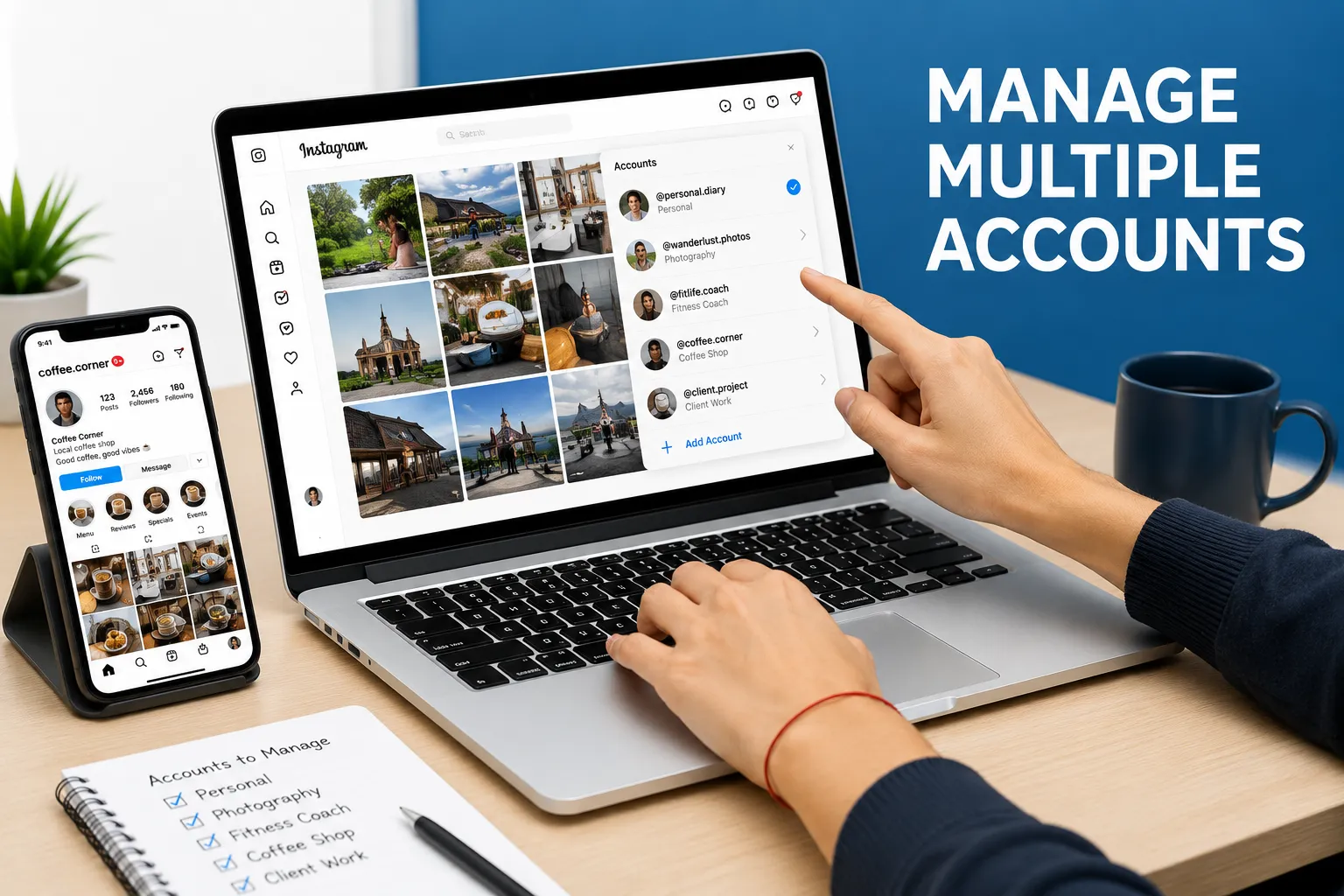
It is easier to create multiple accounts, but managing all together without logging out is difficult. Frequent logins waste time, disrupt your workflows, and trigger Instagram's policies.
You can use the Instagram built-in feature and a multi-account browser application like SocialRouter to easily manage your IG accounts without logging out.
Method 1: Use Instagram's Built-In Multiple Account Feature
You can use Instagram's own account-switching feature to manage multiple accounts. It allows you to easily add multiple accounts in official apps. You can learn more about managing multiple accounts directly from their help center. Here's how you can add multiple accounts:
- Open Instagram
- Go to your profile
- Tap the menu
- Open Settings and Activity
- Scroll down and tap Add Account
- Choose Log Into Existing Account or Create New Account
- Enter your credentials
- Repeat the process for additional accounts
Once all accounts are added, you can switch between them without logging out.
Method 2: Use Separate Browser Profiles
Another simple method is using separate browser profiles in Chrome, Firefox, or Edge. Each browser profile has its own cookies, cache, and browsing data, allowing you to keep accounts separate.
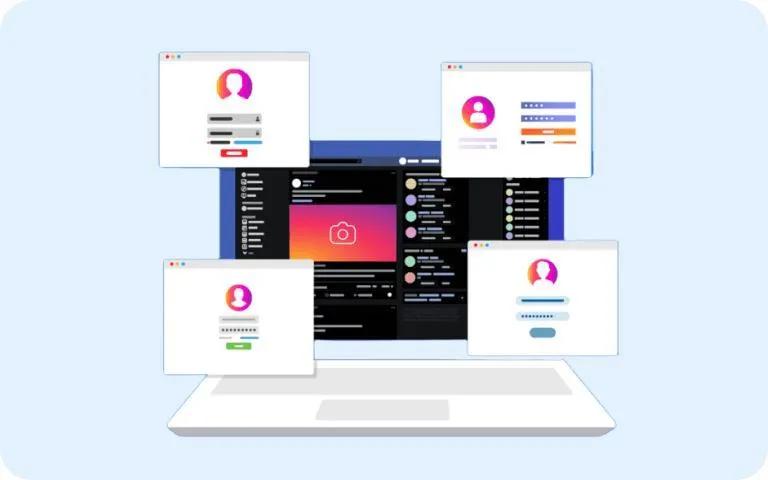
This method works for small-scale use but lacks advanced fingerprint spoofing and anti-detection capabilities, making it less suitable for long-term multi-account management.
Method 3: Use a Dedicated Proxy for Each Account
Proxies are part of the anti-detect setup. It works as an intermediary that protects your real IP address. You can manage your multiple Instagram accounts by using a dedicated proxy for each account. It ensures that every account operates under different IP and avoids detections.
Make sure to use the quality mobile proxies and match the proxy location with your account region and maintain consistency in timezone, IP and language settings.
Method 4: Use Incognito or Private Browsing
You can also manage the various Instagram accounts in incognito mode. Here's how you can do it
- Keep logging in to your main IG account
- Now open the Incognito window and log in to another account
but note that when the window closes, the session disappears. So it gives you temporary access only and may not be suitable for long-term account management.
Method 5: Use a Multi-Account Browser Like SocialRouter
The most effective and practical method to manage multiple Instagram accounts is by using a multi-account browser, like SocialRouter. It allows you to switch between browsers and profiles quickly without frustration. You don't need to open multiple browsers or repeatedly log out of accounts. This application allows you to keep separate IG sessions in a single application. Each account runs in its own isolated browser space, making switching simple and faster.
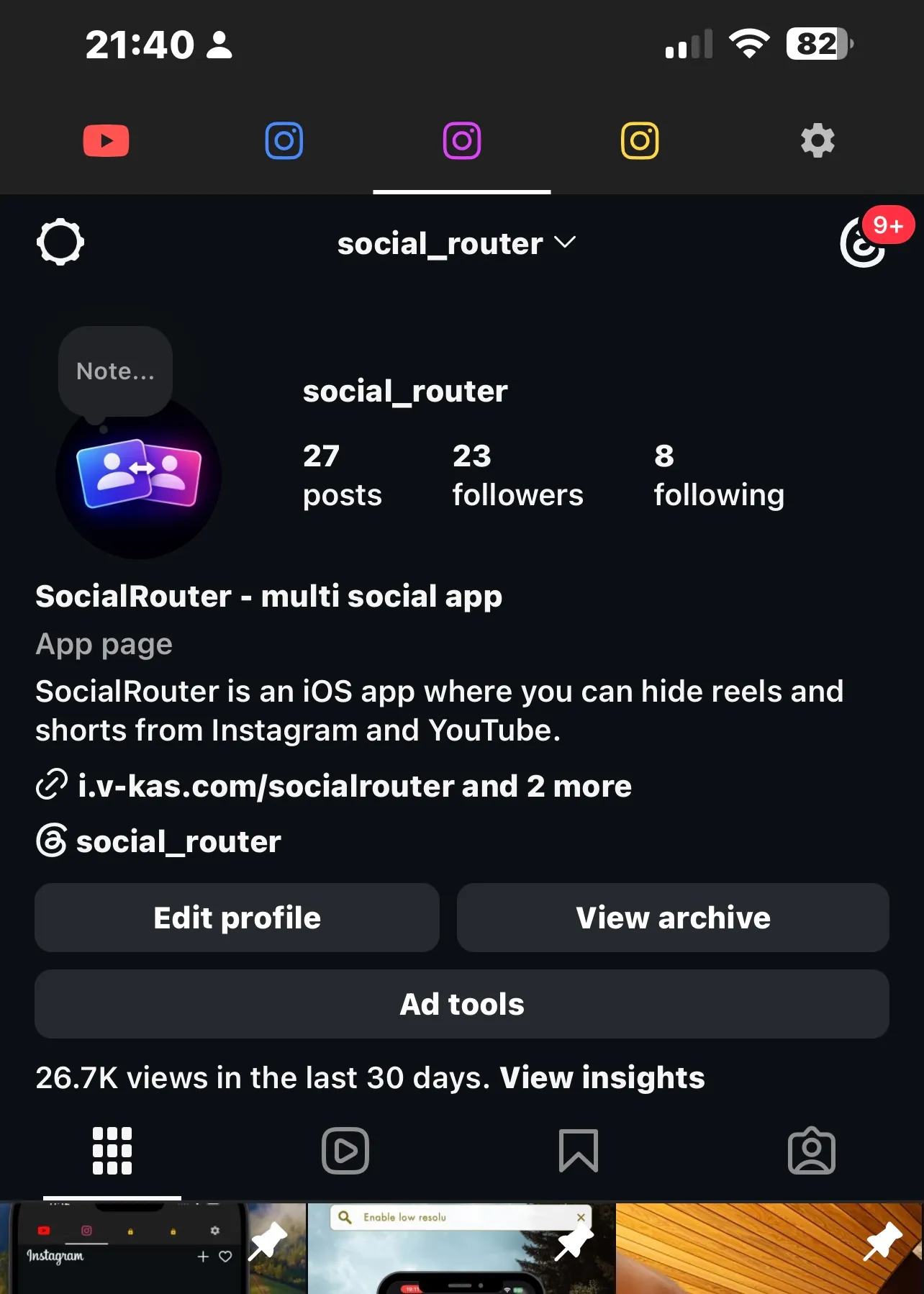
Whether you are managing business pages, personal accounts or client profiles, it keeps everything organized in one place. Along with managing multiple accounts, it also allows you to hide or remove Reels and Explore tabs to reduce distractions.
How to Use Multiple Instagram Accounts with SocialRouter
Here's how you can use the SocialRouter to manage several Instagram accounts
Step 1: Install SocialRouter
First, download and install the app on your device from here
Step 2: Create Separate Browser Spaces
Create a separate browser space for every Instagram account. For example, personal, business, creator, client 1, and client 2. Each browser space has its own login session.
Step 3: Log Into Each Instagram Account
Now open an Instagram account in each browser space and log in successfully. It keeps all sessions separate.
Step 4: Switch Accounts Instantly
Instagram accounts can be switched instantly by tapping the Tabs at the top
Conclusion
So, handling multiple IG accounts is now not challenging, even if it does not require constant logging in and out. The casual users can use Instagram's built-in account switching features, and desktop users can use the separate browser profiles method to operate multiple accounts on the desktop.
The creators, businesses, freelancers, and agencies can handle the many accounts every day by using a dedicated multi-account browser like SocialRouter. It not only simplifies account management but also keeps each session separate and organized. So are you ready to organize your workflow? Download SocialRouter on the App Store today.
FAQs
Is it allowed to manage multiple Instagram accounts?
Yes, Instagram allows you to legally manage up to 5 accounts per device. If you want to manage more than 5, then SocialRouter is the best app for you. It keeps your credentials safe, not sharing with third parties, and allows you to manage up to 25 accounts on a single app, without logging out.
How many Instagram accounts can I have on one device?
Instagram's official app allows you to create and switch up to 5 accounts on a single device. If you want to manage more accounts beyond this limit, then you have to log out of one to access another.
Can I manage business and personal IG accounts together?
Yes, you can manage the personal and business IG accounts easily on the same device by using a multi-account browser application. It allows you to operate separate browser sessions and manage accounts easily.