
Types of Instagram Accounts: Which is Best for Your Business?
Instagram provides a wide range of opportunities to businesses and creators to connect with their audiences. It provides three different account types: personal, creator, and business accounts. Each account is designed for a different purpose, so understanding their features will help you choose the best option for your goals.
In this blog, we tell you the different types of Instagram accounts, with their advantages, disadvantages, and use cases.
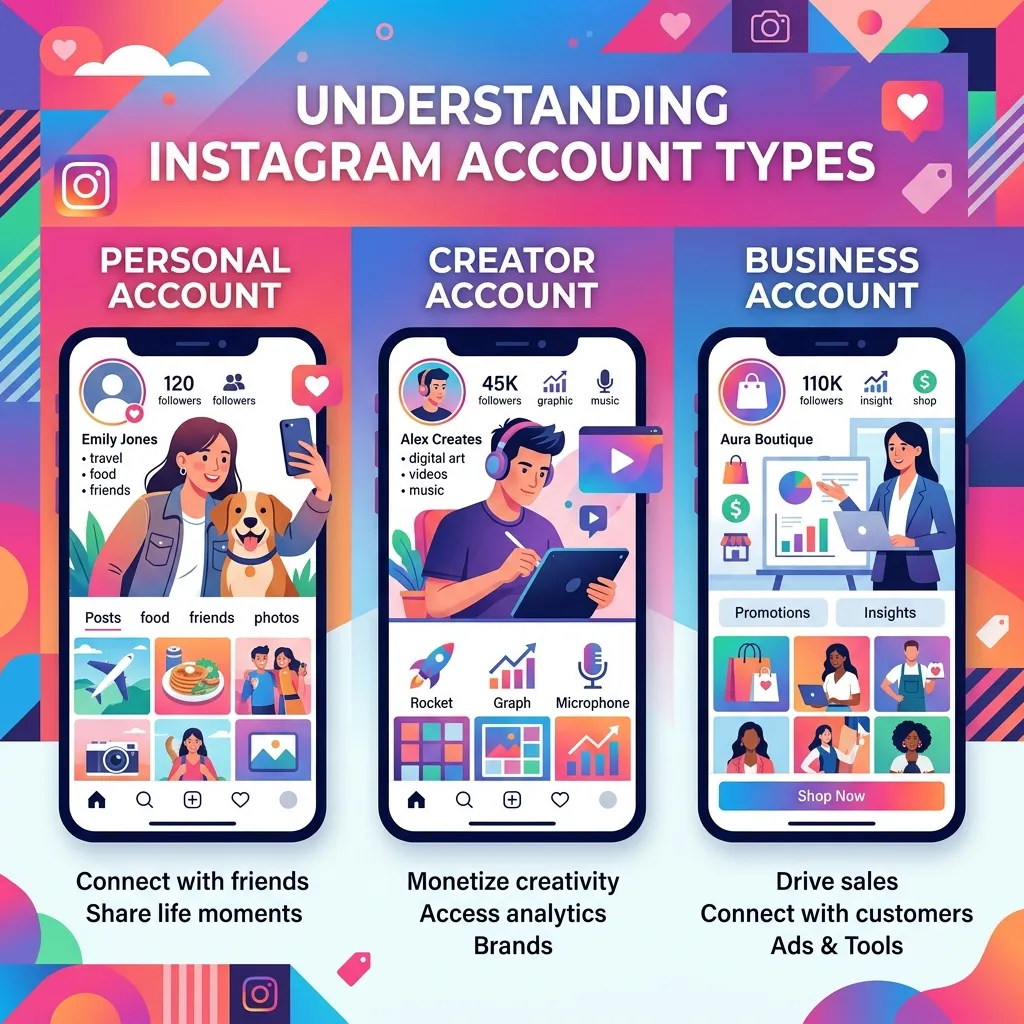
What are the types of Instagram Accounts?
Instagram allows you to set up the three account types: personal, business, and creator. Here are the details about each
Personal Account
A personal account is the default option when creating a profile on Instagram. It is for casual use and offers basic functionality. It is a suitable account for casual users to share personal moments. It is not an ideal account for brands that want to grow their presence online. Its key features are:
- Switching Profiles: Use the privacy settings to switch between public and private profiles.
- Engagement Tools: Access to IG stories, posts, and other engagement tools like likes and comments.
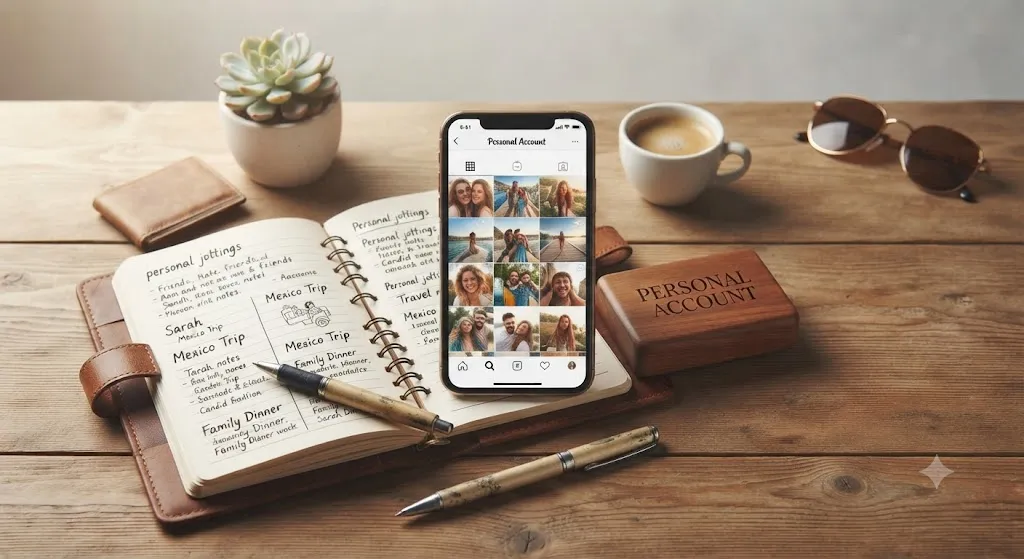
Business Account
A business account is for businesses, organizations, and companies. It provides you with tools for better visibility and tracking performance. Whether you are a small business, a large company, or a local shop owner, you can use this account to build your professional appearance and drive sales. Its key features are:
- Insights: It provides you with detailed analytics on post performance, follower demographics, and engagement rates.
- Ads: It allows you to run paid promotions and create campaigns through Ads Manager.
- Instagram Shopping: Businesses can easily tag products directly in posts or stories through this account.
- Contact Options: It has buttons for email, phone calls, or directions to physical locations.
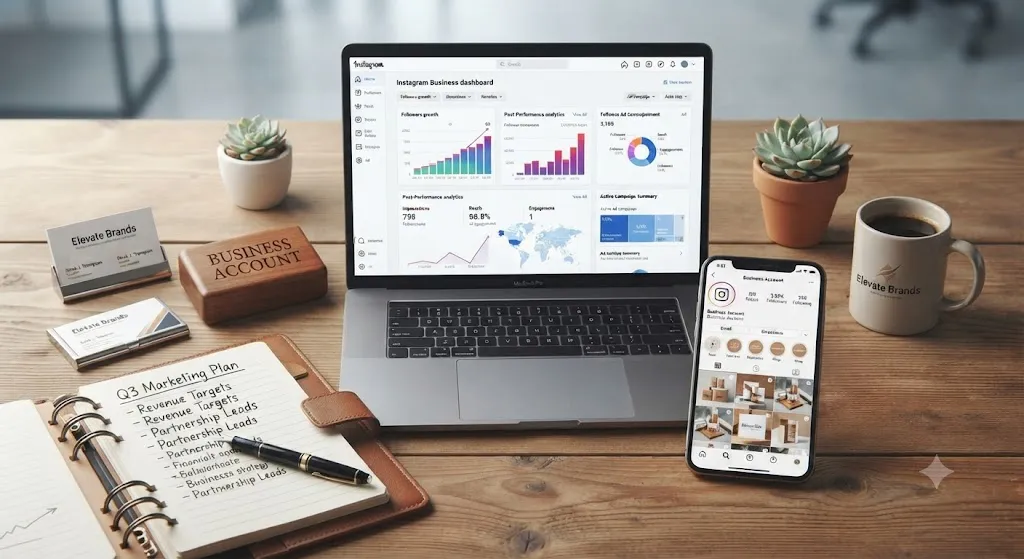
Creator Account
A Creator Account blends the versatility of a personal profile with advanced tools tailored for content creators. It's ideal for influencers, artists, public figures, bloggers, and anyone looking to build an audience and collaborate with brands.
If your goal is to grow your online presence, a Creator Account is often the best choice. Its key features include:
- Audience Insights: Access detailed analytics about your audience and content performance to understand what resonates with your followers and improve engagement.
- Creator Tools: Use features such as branded content tags and customizable category labels (for example, Blogger, Artist, or Public Figure) to better represent your profile.
- Monetization Opportunities: Unlock features that support paid partnerships, affiliate marketing, and other creator-focused earning opportunities.
- Simplified Messaging: Organize your inbox with Primary and General message folders, making it easier to manage conversations.
Personal Vs Creator Vs Business Instagram Accounts
Instagram has three types of accounts including Personal, Creator, and Business. Let us look at the differences below:
| Type of Account | Ideal User | Key Features | Drawbacks |
|---|---|---|---|
| Personal |
|
| No ads, insights, scheduling, or shopping |
| Business |
|
| No creator monetization, Limited Reels music library |
| Creator |
|
| No lead forms, less focus on e-commerce features |
How to Choose the Right Instagram Account Type
You should choose the right type of Instagram account on the basis of your goals. Major considerations you should look at are:
- Using Instagram for testing or casual chatting: Personal Account
- Sell products/ services or run a local business: Business Account
- Create content or handle collaborations: Creator account
You can also create all types of accounts together and easily switch between it as per your needs evolve.
How to Switch between Instagram Account Types
As your Instagram needs change, you need to switch between account types. Whether you are seeking more privacy, business insights, or engagement tools, you can easily switch without hassles. Here's how to switch accounts:
Switching Between Private and Public Accounts
If you want to keep things private but want to go public for engagement, then you can switch between private and public accounts. Here's how you can do it:
Switch from Private to Public:
- Open the Instagram app and tap your profile icon.
- Tap the menu in the top-right and select Settings and Privacy.
- Tap Account Privacy and turn off “Private Account.”
Switch from Public to Private Accounts
Follow the same steps above, but turn on “Private Account” to limit content visibility only to approved followers.
Switching Between Personal and Professional Accounts
If you want to get access to insights, ads, and better engagement tools, then you can switch between personal and professional accounts.
Switch from Personal to Professional (Creator or Business)
- Tap your profile icon → menu → Settings and Privacy.
- Select Account Type and Tools → Switch to Professional Account.
- Choose between Business (for brands) or Creator (for influencers).
- Follow the steps to set up your new account.
Switch from Professional to Personal
- Go to Settings and Privacy → Account Type and Tools.
- Tap Switch to Personal Account → Confirm.
Switching Between Creator and Business Accounts
It is easy to switch between Creator and Business accounts in the following ways.
Switch from Creator to Business
- Go to Settings and Privacy → Account Type and Tools.
- Tap Switch to Business Account → Follow the prompts.
Switch from Business to Creator
- Head to Settings and Privacy → Account Type and Tools.
- Tap Switch to Creator Account → Complete setup.
Conclusion
Choosing the right Instagram account depends on how you plan to use the platform. If your primary goal is to connect with friends and family, a Personal Account is the best choice. If you're a content creator, influencer, artist, or public figure looking to grow your audience and build your personal brand, a Creator Account offers the tools you need. For businesses, brands, and professionals who want to promote products or services, run ads, and access detailed analytics, a Business Account is the ideal option.
If you manage multiple Instagram accounts, SocialRouter can make the process much easier. This multi-account browser lets you securely manage your personal, creator, and business accounts from one place, making it simple to switch between profiles while keeping each account separate.
FAQs
What are different types of Instagram accounts?
The different types of Instagram accounts are personal, Creator, and Business accounts. Each type includes different privacy settings, tools, and growth features.
Which is the best account for Instagram?
It depends on your goals. Creator accounts are suitable for influencers, personal accounts are suitable for private use, and business accounts are suitable for stores and brands.
What Is the Difference Between a Business and a Creator Account on Instagram?
The business accounts provide strong advertising, shopping, and lead generation features, and the creator account focuses on content creators and influencers, providing you with music access and monetization tools.